Instagram
  by
by 
 7 min read
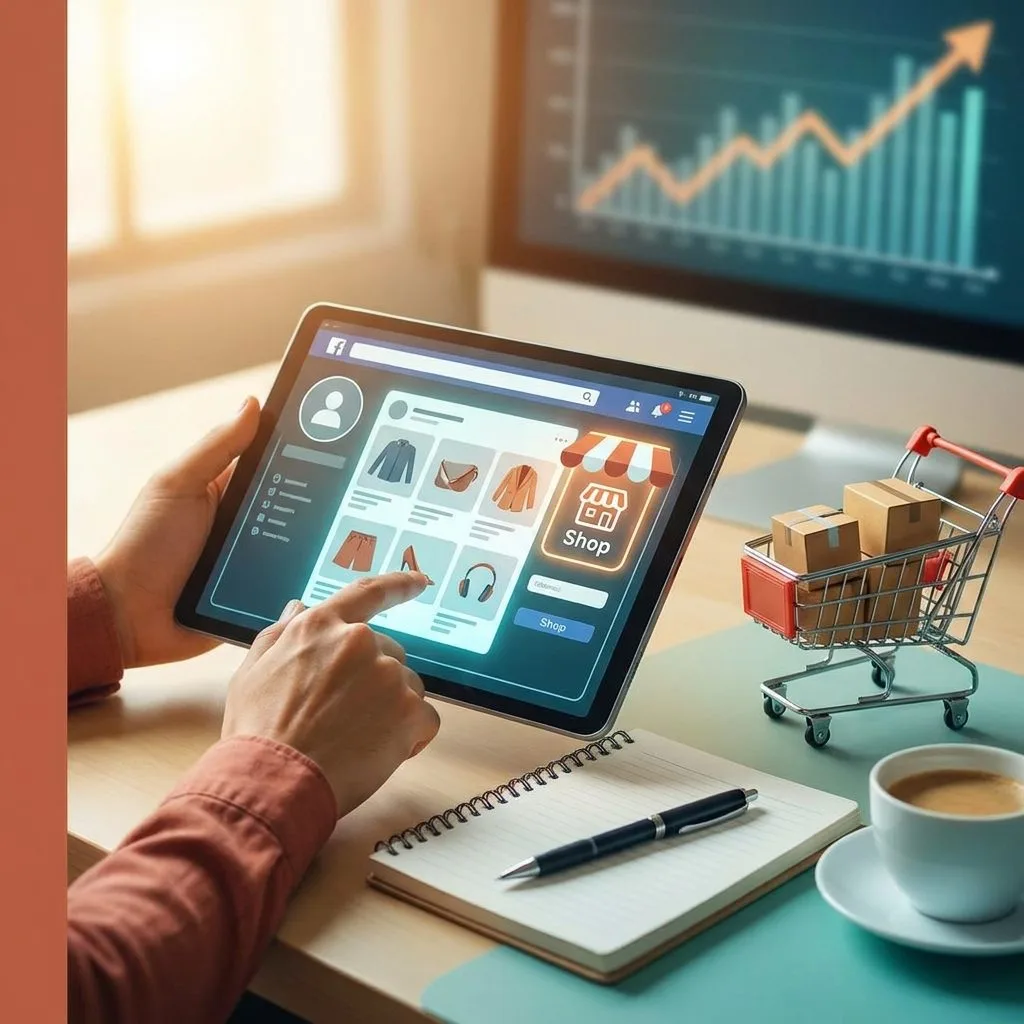
I've been following Instagram's growth as an important business showcase for quite some time. When Instagram Shopping came along, I observed many entrepreneurs transforming followers into real customers. I prepared this guide based on my experiences to help you sell more on Instagram, showing you each step and trick to make it truly work for your business.
Why use Instagram Shopping for your business?
With each platform update, I see that Instagram is making the connection between brands and consumers more natural. Shopping arrived as a direct response to the needs of people who were already searching for products on the platform. A simple click on a photo can now lead to a convenient purchase, without leaving the app.
Behavior on social media has changed. People want quick solutions, and shopping via Instagram is like finding a 24-hour shop window in your pocket. I've noticed that brands using this tool can showcase their products quickly, shortening the path from discovery to purchase.
Turning followers into buyers has never been easier.
How to activate and configure Instagram Shopping
Among the most common questions I receive, the main one concerns the requirements and configuration. The step-by-step process is simple, but attention to detail is necessary. I will list them:
- Have a business account on Instagram.
- Connect your profile to Facebook and create a Commerce Manager with an approved catalog.
- Please respect Instagram's commerce policies.
- Enable the feature in your app settings and wait for the review, which may take a few days.
After approval, product tags are released for use in photos, videos, and Stories. I tested the activation on different accounts and noticed that a well-filled catalog makes a big difference; more details facilitate approval and increase sales afterward.
How to create an effective product catalog
Your catalog is your storefront. The better designed it is, the greater the chance of converting interest into sales. Here are some practices I always apply:
- Take great photos, using high-quality images and different angles of the product.
- Describe clearly and objectively. Specify sizes, colors, and materials whenever possible.
- Keep prices accurate and up-to-date.
- Simplify names, making searches easier even outside of Instagram.
Customers appreciate clarity. I've tested both confusing and organized catalogs: the difference in performance is striking. And if you're just starting your profile and feel you need to boost your first customers, I recommend checking out the strategies I explain on the Upgram blog about buying followers safely .
Techniques for selling more using Instagram Shopping
Visibility alone doesn't generate sales. The secret lies in engagement and the buying experience. Here's what I always recommend and apply:
- Use tags in organic posts and Stories. The more places your products appear, the more people will see them.
- Create themed collections, such as "gifts" or "new arrivals," for those looking for a specific occasion.
- Focus on quick demonstrations in your videos, showing how to use the product or possible combinations.
- Respond to comments quickly to answer questions from those who are ready to buy.
- Promote your products with paid ads directly on Instagram Shopping.
I've seen small businesses double their sales simply by using a strategy of correctly labeling products. Labeling products the right way reduces steps and uncertainty in the customer journey.
How to combine engagement and sales
In my analysis of profiles, I've noticed that active accounts that engage with their audience and utilize new features end up generating more sales. Instagram Shopping is just one piece of the puzzle. You should also invest in building a loyal and engaged user base.
If you want practical ideas for this, I recommend my article on social media engagement . Results appear faster if you combine a good catalog with an active profile.
Another tip that worked really well for me was using Instagram Insights. Closely monitoring which products get the most clicks, where people stop, and what times generate the most sales. Not sure where to find this data? I wrote an article detailing everything about Instagram Insights and data analysis .
Content beyond product tags.
Instagram Shopping allows you to sell, but selling isn't just about setting a price. Mix posts with behind-the-scenes content, testimonials, and tips related to your product. Stories remain the closest part to the audience's daily lives. I've even tried bringing in clients to show results using Stories tagging products, and the return was very good.
Stories with product tags create real opportunities for quick sales.
I recommend alternating between product carousels, testimonial stories, and news on Reels. Furthermore, understanding what makes a Reel appear to more people can be crucial. If you're curious about this topic, it's worth checking out the article on the Reels algorithm .
Synergy with growth strategies
Your store doesn't grow just by showcasing products. An engaged audience is a priority. When I consult with small brands on how to boost their Instagram presence, I notice that the secret lies in combining visibility strategies and relevant content with consistent growth actions.
If you're in the phase of gaining more followers and want to know techniques that really work, I recommend reading about attracting genuine followers. The larger the interested audience, the better the results from Instagram Shopping. Furthermore, it's possible to boost this process using Upgram services, which expedite profile growth safely.
Monitoring and adjusting to sell more.
One piece of advice I always give: run tests and make adjustments. Instagram offers detailed reports on sales and clicks in Shopping. Use this data to identify trending products, adjust prices, photos, or descriptions, and create personalized campaigns.
With Instagram Shopping, you can transform your audience into buyers, eliminating the gap between desire and purchase.
Analyze, change, test ideas, and keep the store alive, always updated and connected to your followers and customers.
Conclusion: The next step for your business
After many tests, I've seen that Instagram Shopping has democratized access to online sales, even for those just starting out. The tools are there, easy and straightforward, just waiting for creativity. Remember that engagement, a well-crafted catalog, and an active profile are the three pillars of sales.
If you want to accelerate results or gain more attention for your products, learn about Upgram's services and see how our solutions can make your store even more popular on social media. It's your time to sell on Instagram: take the plunge now and explore everything Instagram Shopping has to offer.
Frequently asked questions about Instagram
What is Instagram Shopping?
Instagram Shopping is a feature that allows you to display, tag, and sell products directly through Instagram posts and Stories. With it, your followers can click on product tags and complete the purchase without leaving the app, making the process simple and fast.
How do I activate Instagram Shopping?
To activate, you need a business account, connect your profile to a Facebook page and an approved product catalog. Then, in Instagram settings, select "Business" and activate the shopping feature. The platform will review the feature before releasing the tags.
Is it worth selling through Instagram Shopping?
Selling through Instagram Shopping can increase your brand's reach and easily convert followers into buyers. The ease of showcasing products and the integration with visual content help increase the number of real sales opportunities.
What products can I sell on Instagram Shopping?
You can sell physical products that comply with the platform's commerce policies, such as clothing, accessories, cosmetics, footwear, electronics, home decor items, and more. Digital products or services cannot yet be sold directly through Shopping.
How to increase sales using Instagram Shopping?
Use good photos, clear descriptions, keep your catalog updated, and combine engagement strategies. Invest in ads, create promotions on Stories, use Reels to showcase new products, and monitor results to continuously adjust your offering.